

In today’s world of remote work, content creation, and online meetings, converting spoken words into written text has become essential. That’s where riverside transcription comes in a powerful tool designed to help you transform your audio and video recordings into accurate, editable text.
Whether you are a podcaster, educator, journalist, or business professional, this guide will explain everything you need to know about riverside transcription in simple and clear language.
What Is Riverside Transcription?
Riverside transcription is a service that converts spoken audio and video content into written text. It works by using automatic speech recognition (ASR) technology to analyze your recordings and turn them into accurate transcripts.
Riverside’s transcription is part of the Riverside platform a solution that lets you record, edit, transcribe, and share audio/video content in one place.
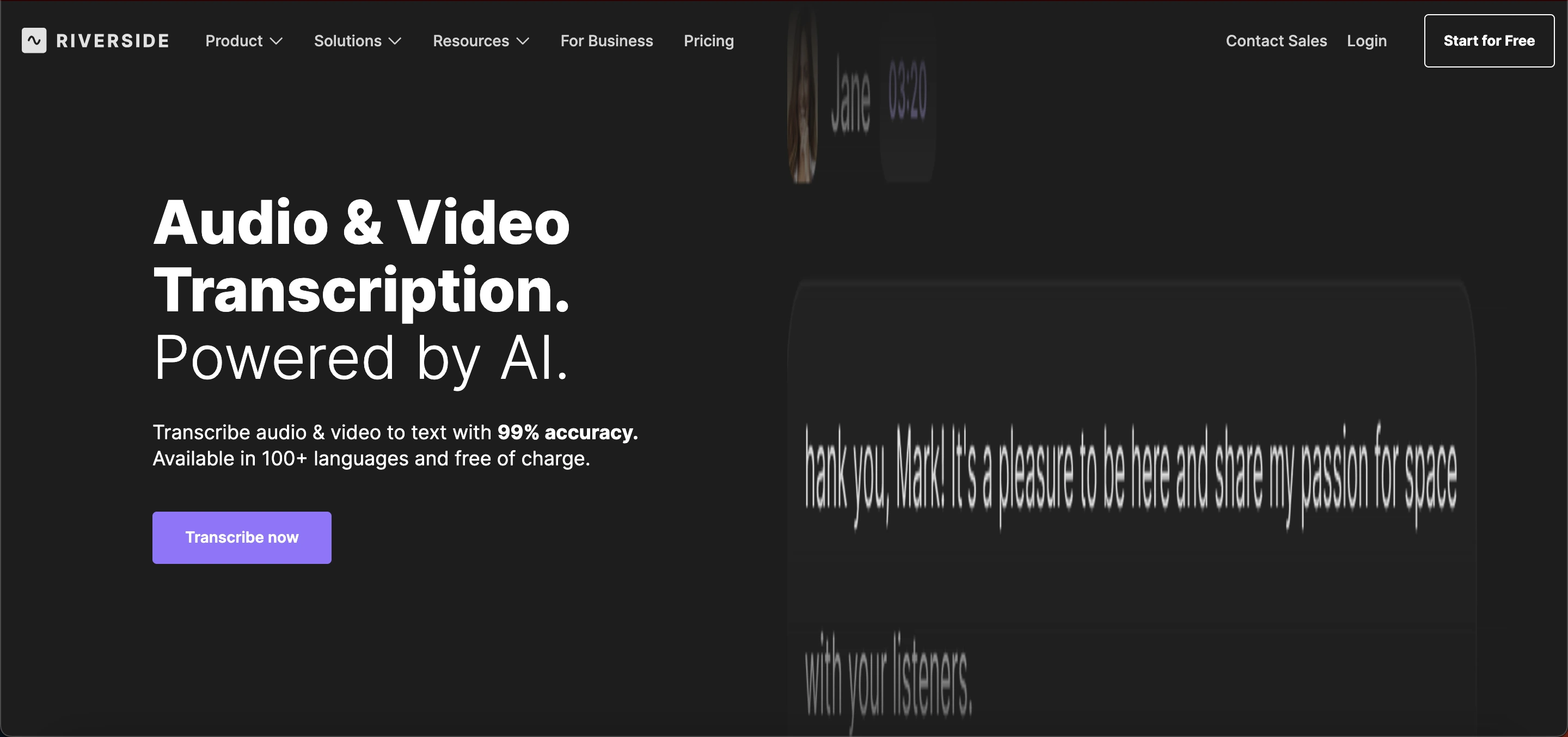 In other words, the tool helps you take conversations, interviews, podcasts, or presentations and generate readable, timestamped text that you can edit, download, and reuse in many ways.
Why Use Riverside Transcription?
Riverside transcription simplifies the process of turning speech into text. Here are some key reasons people rely on it:
Fast results: Transcripts are ready in minutes after uploading or recording audio/video.
Accurate text: It delivers up to 99% accuracy, making your transcripts reliable.
Multiple languages: Supports more than 100 languages and dialects, including English, Spanish, Arabic, Hindi, and more.
Easy editing: You can edit text directly and make changes to the transcript.
Download options: Export your transcript as a text (.TXT) or captions (.SRT) file.
This makes riverside transcription a practical choice for individuals and teams who want quality text versions of spoken content.
How Riverside Transcription Works
Understanding how riverside transcription works can help you use it more effectively. Here’s a simple step‑by‑step view:
Upload or record audio/video: Start by uploading your file or recording directly on the Riverside platform.
Choose the language: Set the language for transcription it supports over 100 options.
Automatic transcribing: Riverside uses AI to convert audio into text automatically.
Edit and download: Once complete, you can correct, edit, and download your transcript.
This process is built to be user‑friendly, even if you’ve never used transcription tools before.
Key Features of Riverside Transcription
Here are the standout features that make riverside transcription useful for many industries:
1. High Accuracy
Riverside delivers transcripts with a high level of accuracy often near 99%. This means fewer mistakes and less time spent fixing text after the transcription is finished.
2. Multi‑Language Support
You can transcribe content in more than 100 languages and dialects. This broad support makes riverside transcription ideal for global teams and audiences.
3. Speaker Detection
When you transcribe conversations with more than one person speaking, Riverside can identify each speaker, making it easier to follow who said what in the transcript.
4. Timestamps
Transcripts include timestamps markers that show when each sentence was spoken. This is helpful when you want to reference specific parts of the recording.
5. Multiple Export Formats
You can export transcripts as standard text files or as subtitle files (.SRT), which are ready for video captioning.
6. Editing Tools
Inside Riverside, you can edit your transcript directly, correct words, rename speakers, and make other changes quickly.
7. No Extra Software Needed
Riverside transcription works in your browser you don’t need to install any additional software. Just upload your audio/video and start.
Read Also: Pippit AI: Smart Content Creation & Video Tools
Use Cases
Riverside transcription fits a wide range of real‑world uses. Below are some of the most common ways people use this service:
1. Podcast Transcriptions
Podcasters often use riverside transcription to convert episodes into written text. These transcripts can be published on blogs, added to show notes, or used for SEO purposes.
2. Video Captioning
Content creators use transcripts to create subtitles for videos, helping make videos more accessible and easier to understand.
3. Interviews and Research
Journalists, researchers, and students can transcribe interviews, focus groups, and discussions to analyze content more easily.
4. Meetings and Calls
Business teams can use riverside transcription to record and transcribe important meetings, making it simple to share summaries and action points with team members.
5. Educational Materials
Teachers and lecturers can convert lectures into text, making class content more accessible to students or for future reference.
6. Social Media Content
You can repurpose transcription text into blog posts, newsletters, or social media captions to reach more people with your message.
How to Sign Up for Riverside Transcription
Getting started with riverside transcription is quick and easy. Follow these simple steps:
1. Visit the Riverside Website
Go to the official Riverside site and click Sign Up or Get Started.
2. Create Your Account
Sign up using your email, Google account, or Apple ID. Verify your email to activate your account.
3. Choose a Plan
Select a free trial or a paid plan depending on your transcription needs. Paid plans offer more features and longer transcription limits.
4. Access the Transcription Tool
Log in, go to the Transcription or Speech-to-Text section, and either upload a recording or record directly.
5. Review and Download
After transcription, edit your text if needed and download it as a text or subtitle file.
Pricing Plans of Riverside Transcription
Riverside offers several plans to fit different transcription needs:
1. Free Plan - $0/month
Up to 2 hours of multi-track recording
Basic audio/video tools
Riverside watermark on exports
Ideal for beginners or occasional use
2. Standard Plan - $15–$19/month
Up to 5 hours of multi-track recording per month
No watermark
Higher video quality
Best for regular creators starting with transcription
3. Pro Plan - $24–$29/month
15 hours of multi-track recording
Unlimited text transcriptions
Advanced editing and AI tools
No watermark
Perfect for podcasters and frequent content creators
4. Live & Webinar Plans - $34–$79/month
Adds live streaming and webinar hosting features
Suitable for creators broadcasting live sessions or virtual events
5. Business / Enterprise - Custom Pricing
Unlimited recording and transcription
Team collaboration tools and priority support
Best for agencies and large teams
Benefits
Here’s why so many people choose riverside transcription as their go‑to transcription tool:
1. Saves Time
Manual transcription typing out every word yourself can take hours. Riverside’s automatic transcription cuts this work down to minutes.
2. Improves Accessibility
Transcriptions make media accessible to audiences who are deaf or hard of hearing. They also improve understanding for people who read faster than they can listen.
3. Boosts Content Value
Transcripts can be used to create written content like articles, summaries, and SEO‑friendly pages, helping your content reach more people.
4. Supports Global Audiences
With support for many languages, riverside transcription helps you connect with diverse audiences around the world.
5. Easy to Use
The process is simple for anyone no technical skills needed. Upload, transcribe, edit, and download.
Limitations to Consider
While riverside transcription is powerful, it’s helpful to understand some limitations:
Internet Required: You need an internet connection to use the online tool.
Accuracy May Vary: AI transcription is strong, but may sometimes misinterpret speech in noisy recordings or heavy accents.
Editing Still Needed: You may occasionally need to proofread your transcript for best results.
Understanding these points helps you set realistic expectations when using riverside transcription.
Tips for Best Transcription Results
Here are some practical tips to make the most of riverside transcription:
1. Use Clear Audio
High audio quality helps the software transcribe more accurately.
2. Speak Clearly
Talking clearly and at a steady pace helps reduce errors in the text.
3. Reduce Background Noise
Minimizing echoes or background sounds improves transcript accuracy.
4. Check the Transcript
Quickly read through the transcript and make corrections where needed.
These simple steps will help you get cleaner transcripts every time.
Common Problems and Solutions
Users of riverside transcription may occasionally face issues such as inaccurate transcripts, mixed-up speakers, slow processing, or upload errors.
Most problems can be solved by ensuring clear audio, reducing background noise, labeling speakers, splitting long recordings, checking file formats, and maintaining a stable internet connection.
Additionally, free plan users may encounter limits on recording hours or features, which can be resolved by upgrading to Standard or Pro plans.
Conclusion
Riverside transcription is a reliable and user‑friendly tool that turns your audio and video content into accurate written text. Whether you’re creating podcasts, recording interviews, or making captions for videos, this tool helps you save time and expand how people engage with your content.
With features like multi‑language support, speaker detection, timestamps, and easy export options, riverside transcription stands out as a valuable option for creators, teams, and professionals alike. Whether you’re new to transcription or a seasoned creator, this tool can make turning speech into text faster and easier.
Frequently Asked Questions (FAQs)
What is Riverside Transcription?
Riverside Transcription is a tool that converts audio and video recordings into written text. It supports multiple languages and provides editable, accurate transcripts for podcasts, interviews, and meetings.
How accurate is Riverside Transcription?
Riverside Transcription delivers high accuracy, often up to 99%, depending on audio quality. Clear speech and minimal background noise help achieve the best results.
Can Riverside Transcription handle multiple speakers?
Yes. Riverside can detect different speakers in a recording, making it easier to identify who said what in transcripts.
Which file formats can I export from Riverside Transcription?
You can export transcripts as plain text (.TXT) or subtitle files (.SRT) for video captions.
Does Riverside Transcription support other languages?
Yes. It supports more than 100 languages and dialects, allowing global teams and audiences to use the tool effectively.